
AI generates Tableau files,
humans ship dashboards faster
Describe what you need in plain language. cwtwb generates .twb dashboards, cwprep generates .tfl data flows — so BI teams can accelerate dashboard development, formatting, layout work, and Prep flow delivery without starting from a blank canvas.
Built for the people who still own Tableau delivery
Datacooper does not replace BI teams. It removes the repetitive file-building work around dashboards and Prep flows, so specialists can focus on requirements, analysis, review, and client delivery.
Where Datacooper creates leverage first
Start with high-friction Tableau work where human judgment matters, but the mechanical file-building work should be automated.
Proof first, then a focused pilot
Start from one repeatable Tableau workflow, review the generated files, and decide what should become automation.
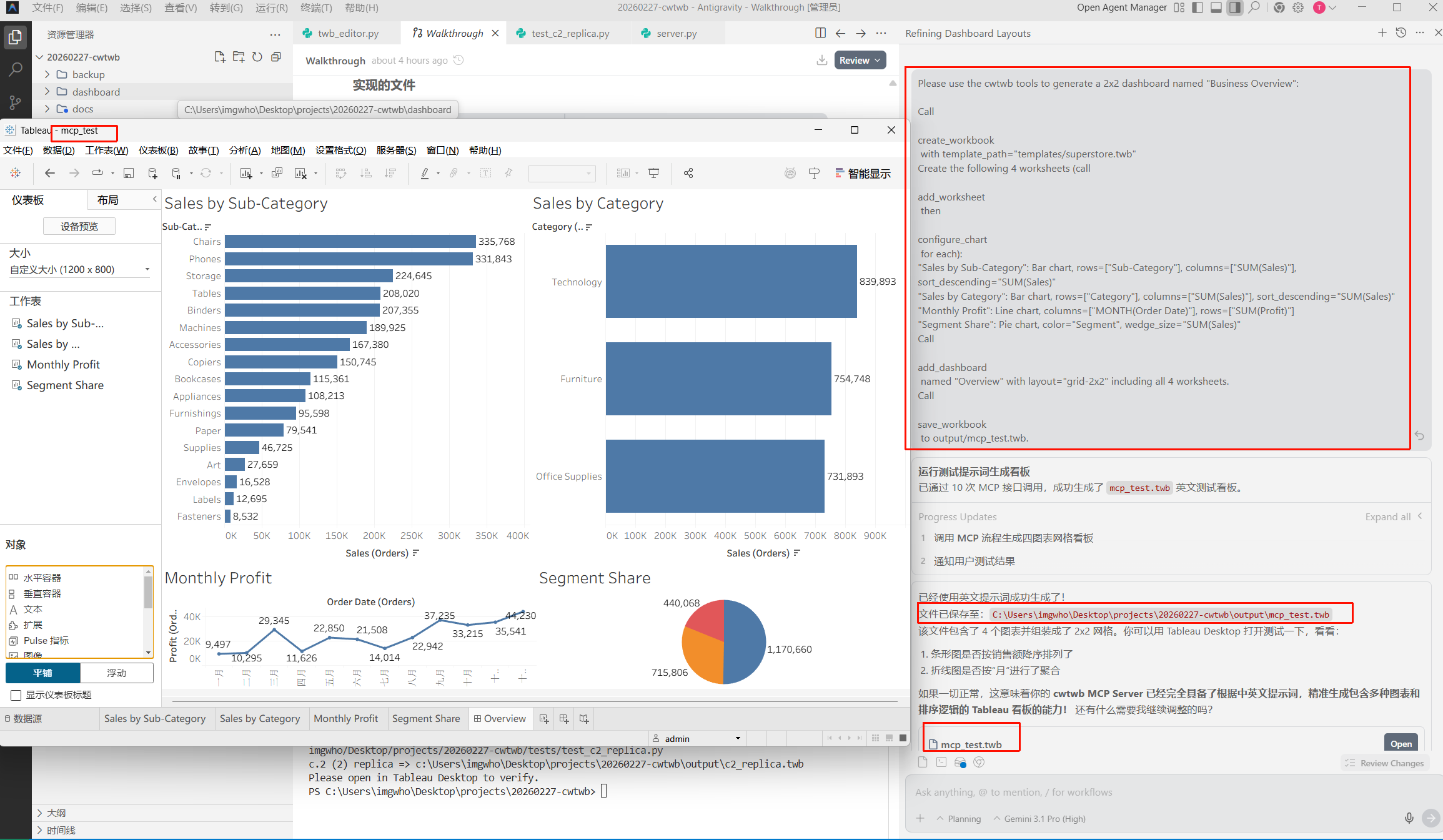
200 custom dashboards built automatically — each one opened straight in Tableau
A retail group needed 200 custom dashboards fast. Using cwtwb's guided flow, they described what each dashboard should show, confirmed the layout, and generated .twbx files ready to publish. Delivery cost dropped 80%.
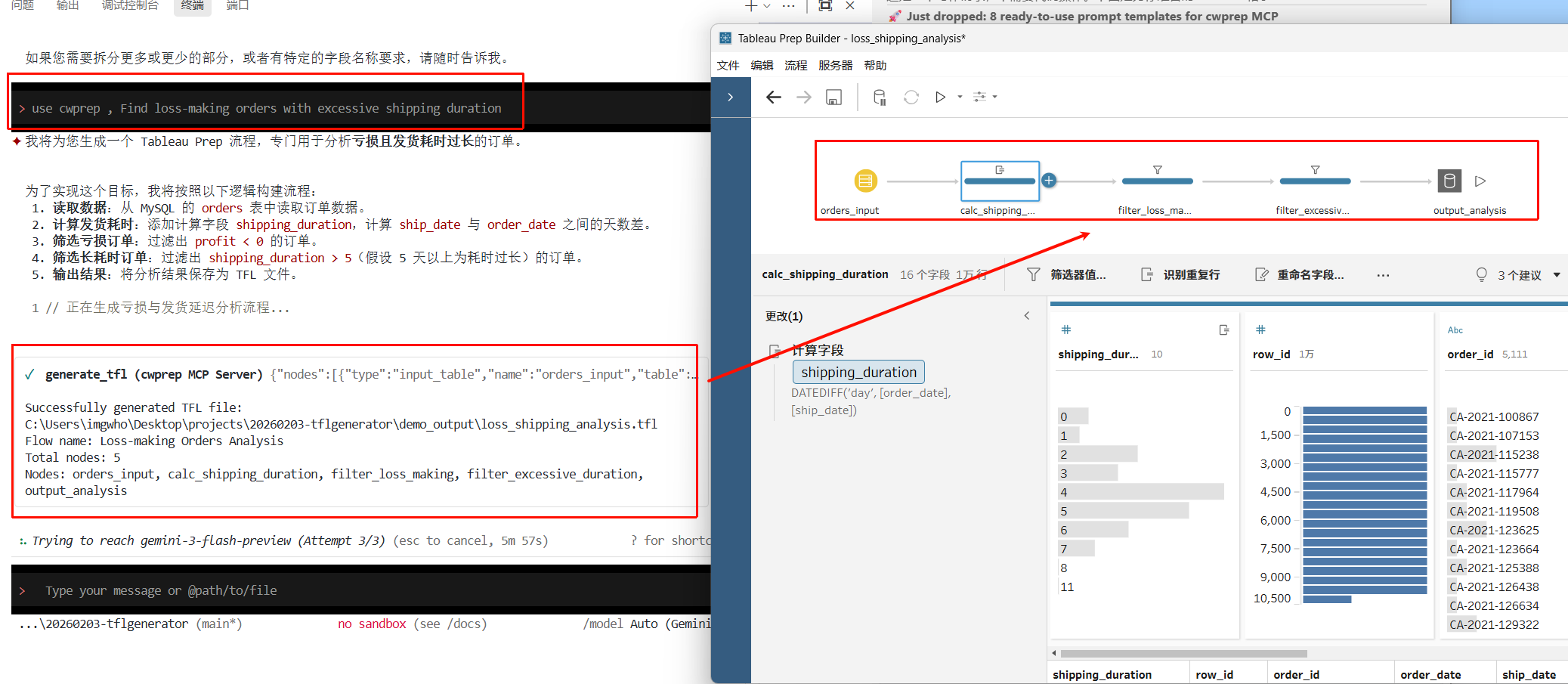
Built an entire data cleaning pipeline from prompts — no GUI required
A finance team replaced their manual Tableau Prep work with cwprep. They described the cleaning steps in text, got .tflx files that opened directly in Tableau Prep, and had a full SQL audit trail for compliance review.
- 1Share one dashboard or Prep flow scenario.
- 2Confirm data source, layout, formatting, and review constraints.
- 3Generate a sample workbook or flow package for Tableau review.
- 4Decide what should stay human-led and what should become repeatable automation.
Core Capabilities
- Guided step-by-step: confirms your data, layout, and charts before generating anything — no surprises.
- Outputs standard .twb and .twbx files (including embedded data) that open directly in Tableau Desktop.
- Validated against Tableau's official schema so files always open without errors.
- Generate complete data cleaning flows from text — no drag-and-drop in the Tableau Prep GUI needed.
- Outputs .tfl and .tflx files that open and run directly in Tableau Prep, no plugins required.
- Every step is translated to standard SQL — easy to review, audit, and hand off to your DBA.